
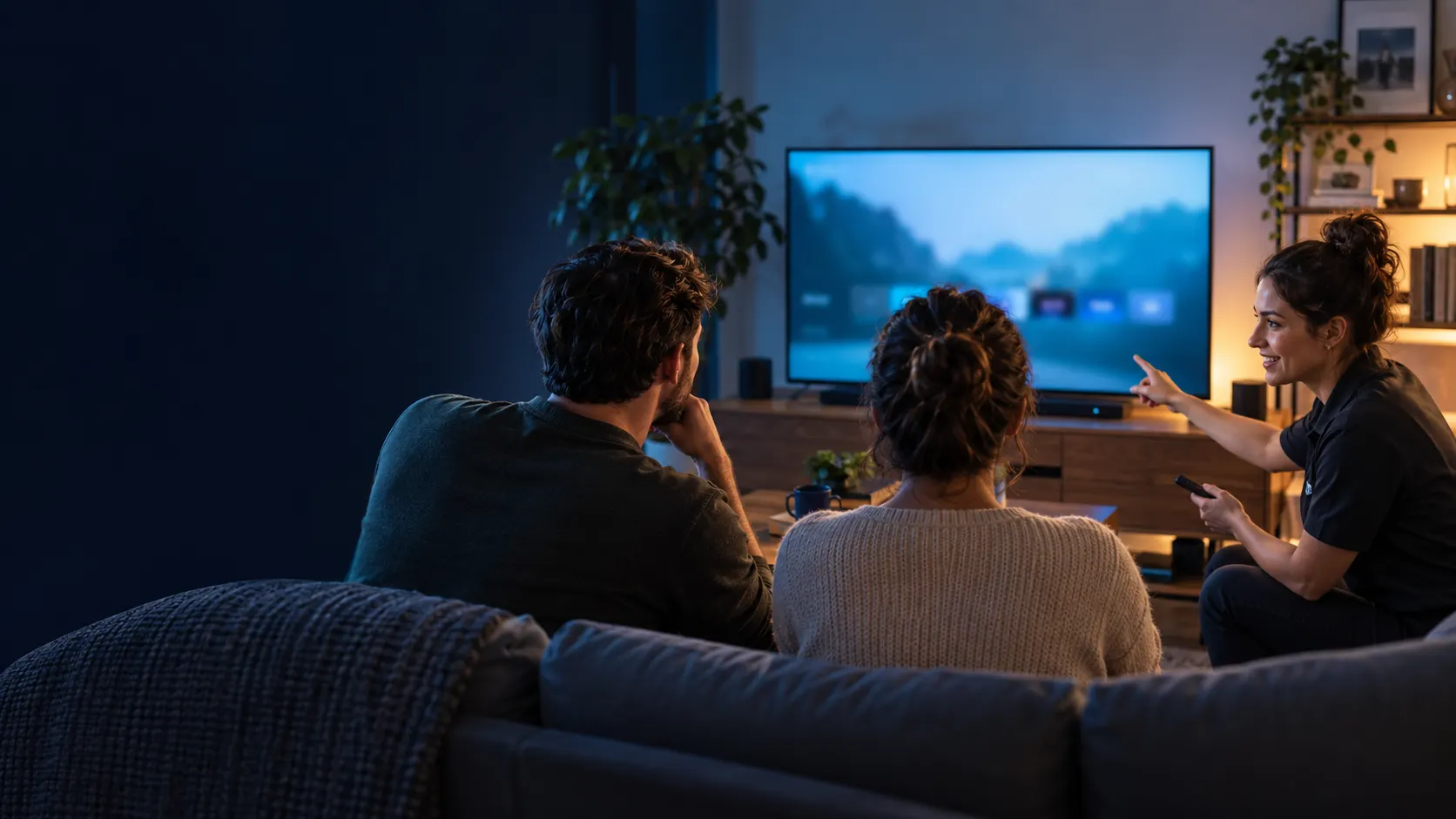
The Ultimate Guide to IP TV Stream Setup
Setting up an IP TV stream can seem daunting, especially if you’re new to streaming technology. This guide is tailored for users seeking a straightforward approach to enjoying their favorite content without hassle. By the end, you’ll know how to set up an IP TV stream effectively, ensuring a seamless viewing experience.
Key Takeaways
- Understand what an IP TV stream is and how it works.
- Identify the right IP TV service for your needs.
- Follow step-by-step setup instructions for various devices.
- Learn common troubleshooting tips to enhance your streaming experience.
What is an IP TV Stream?
An IP TV stream refers to television content delivered over the internet instead of traditional cable or satellite. This technology uses Internet Protocol (IP) to transmit data, allowing users to watch shows and movies on various devices.
How IP TV Works and Requirements
IP TV functions by sending content through your internet connection. To enjoy IP TV streaming, you will need:
- A stable internet connection (preferably broadband).
- A compatible device, such as Smart TVs, Android boxes, or streaming devices.
- A subscription to an IP TV service.
Commonly used formats for playlists include M3U and Xtream, essential for setting up your service.
Choosing the Right IP TV Service
Selecting the right IP TV service is crucial for a satisfactory experience. Consider factors such as content availability, customer support, and device compatibility. Services like Smart IPTV TV and Smarters Player are popular choices that offer user-friendly interfaces and extensive content libraries.
Setup Steps for Your Device
Follow these steps to set up an IP TV stream on your device:
- Download the IP TV app: Visit the official download page and select the appropriate app for your device.
- Install the app: Open the downloaded file and follow the installation prompts.
- Enter your credentials: Launch the app and input your subscription details or M3U playlist.
- Configure settings: Adjust settings such as EPG (Electronic Program Guide) for an enhanced experience.
- Test your connection: Ensure your internet connection is stable and check for any buffering.
Comparison Table of Popular IPTV Solutions
| Feature | Smart IPTV TV | Smarters Player | Ultra XC | Neo |
|---|---|---|---|---|
| User Interface | Intuitive | Customizable | User-friendly | Modern |
| Device Compatibility | Multiple devices | Android & iOS | Android TV, Smart TVs | Android & Apple |
| EPG Support | Yes | Yes | Yes | No |
| Offline Playback | No | Yes | No | Yes |
Common Mistakes and Troubleshooting Tips
To maximize your IP TV experience, avoid these common mistakes:
- Ignoring updates: Always keep your app updated to benefit from new features and bug fixes.
- Weak internet connection: Use a wired connection if possible, or ensure Wi-Fi strength is adequate.
- Not checking compatibility: Ensure your device supports the IP TV app you choose.
For quick fixes:
- Restart your router if experiencing buffering issues.
- Reinstall the app to resolve glitches.
- Contact support if problems persist.
Expert Tips for Enhancing Your IP TV Experience
Improving your IP TV experience can be achieved through these expert tips:
- Use a VPN for privacy and to avoid ISP throttling.
- Explore settings to customize your viewing preferences.
- Regularly check for service updates to access new features.
Question
What is an IP TV stream and how does it work?
An IP TV stream delivers television content via the internet using Internet Protocol, allowing users to watch shows and movies on compatible devices.
Question
What devices are compatible with IP TV streams?
Devices such as Smart TVs, Android boxes, streaming devices, and some mobile devices are compatible with IP TV streams.
Question
How can I troubleshoot common IP TV streaming issues?
Common troubleshooting steps include restarting your router, ensuring the app is updated, and checking device compatibility.
Question
Are there any legal concerns with using IP TV streams?
Yes, it’s important to ensure that you are using IP TV services that comply with local laws and licensing agreements.
Question
What steps should I follow to set up an IP TV stream?
To set up an IP TV stream, download the app, install it, enter your credentials, configure settings, and test your connection.
This content is informational and does not promote illegal streaming or unauthorized distribution. Always follow local laws and licensing rules.