
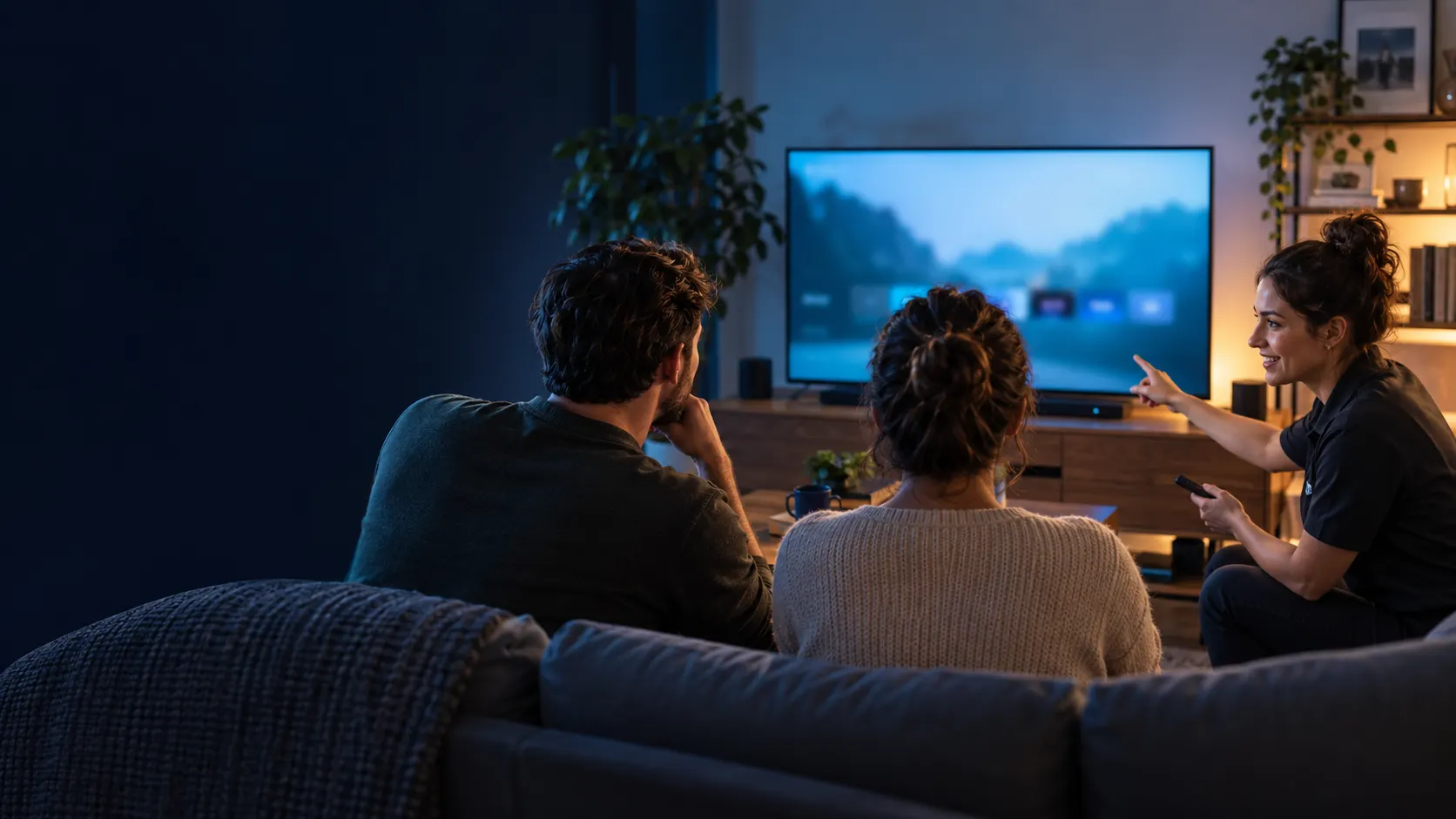
Ultimate IPTV Installation Guide
Installing IPTV can seem daunting, especially for newcomers. Whether you’re an expat looking to maintain access to your favorite shows or a senior seeking simpler entertainment options, this guide has you covered. You’ll learn the essentials of IPTV installation, what you need, and the most common pitfalls to avoid.
If you’re ready to dive into the world of IPTV, you’re in the right place. This guide will provide a step-by-step approach to ensure a smooth installation process.
Key Takeaways
- Understand the requirements for IPTV installation.
- Learn about different IPTV services and how to choose one.
- Follow device-specific setup instructions.
- Avoid common mistakes and troubleshoot effectively.
What is IPTV Installation?
IPTV stands for Internet Protocol Television. It delivers television content over the internet rather than through traditional means like satellite or cable. IPTV installation involves setting up the necessary software and hardware to access streaming content.
This guide is designed for users of all levels, particularly those who may not be tech-savvy. By the end, you’ll feel confident in your IPTV installation process.
How IPTV Installation Works / Requirements
To successfully install IPTV, you need:
- A stable internet connection (preferably broadband).
- A compatible device such as a Smart TV, Android TV box, or streaming device.
- An IPTV service subscription.
- An IPTV app for accessing the content.
Common patterns show that a minimum speed of 10 Mbps is recommended for good quality streaming. This ensures that buffering is minimized, allowing for a smoother viewing experience.
Choosing the Right IPTV Service
Selecting an IPTV service is crucial to your overall experience. Factors to consider include:
- Content variety: Look for services that include channels and shows you enjoy.
- Device compatibility: Ensure the service works with your device.
- Customer support: Good support can help resolve issues quickly.
For a comprehensive list of services, check out our Worldwide TV Channels Guide.
Setup Steps for Various Devices
Setting Up on Android TV
- Go to the Google Play Store on your Android TV.
- Search for your IPTV app (e.g., Ultra XC).
- Download and install the app.
- Open the app and enter your IPTV subscription details.
Setting Up on a Smart TV
- Access the app store on your Smart TV.
- Search for your IPTV app.
- Install it, then launch the app.
- Input your IPTV credentials to start streaming.
Using an Android TV Box
- Connect the Android TV Box to your TV and internet.
- Download the IPTV app from the app store.
- Launch the app and enter your subscription information.
Comparison Table of IPTV Services
| Service | Device Compatibility | Content Variety | Customer Support |
|---|---|---|---|
| Service A | Smart TV, Android | Wide range | Email, Chat |
| Service B | Android TV Box | Limited channels | Email only |
| Service C | All devices | Comprehensive | 24/7 Support |
| Service D | Smartphones, Tablets | Varied | Chat, Phone |
Common Mistakes + Troubleshooting
Some common mistakes during IPTV installation include:
- Neglecting to check internet speed.
- Using unverified IPTV apps.
- Failing to enter subscription details correctly.
Here are some quick fixes:
- Test your internet speed using an online speed test.
- Only download apps from trusted sources, like the Google Play Store.
- Double-check your username and password.
Expert Tips + Safety and Legal Considerations
When setting up IPTV, consider these tips:
- Keep your IPTV app updated for the best performance.
- Consider using a VPN for additional privacy and security.
It’s essential to follow local laws and licensing rules regarding IPTV usage. Always ensure you’re using legal services to avoid potential issues.
Question
What do I need for IPTV installation?
You need a stable internet connection, a compatible device, and an IPTV subscription.
Question
How do I download my IPTV app?
Go to your device’s app store and search for the IPTV app you wish to install. Follow the prompts to download and install it.
Question
Is there a free APK for IPTV installations?
While some free APKs exist, they may not be reliable or legal. Always use verified apps from reputable sources.
Question
What are the common issues during IPTV installation?
Common issues include slow internet speeds, incorrect login details, and device compatibility problems.
Question
How can I troubleshoot my IPTV setup?
Check your internet speed, ensure your app is updated, and verify your subscription details. If issues persist, contact customer support.
This content is informational and does not promote illegal streaming or unauthorized distribution. Always follow local laws and licensing rules.