
Every day: 03:00 PM – 03:00 AM (ICT)
Every day: 09:00 AM – 09:00 PM (CET)
12 / 7 / 365 Days Live Support

How to Set Up Your IPTV Stream Efficiently

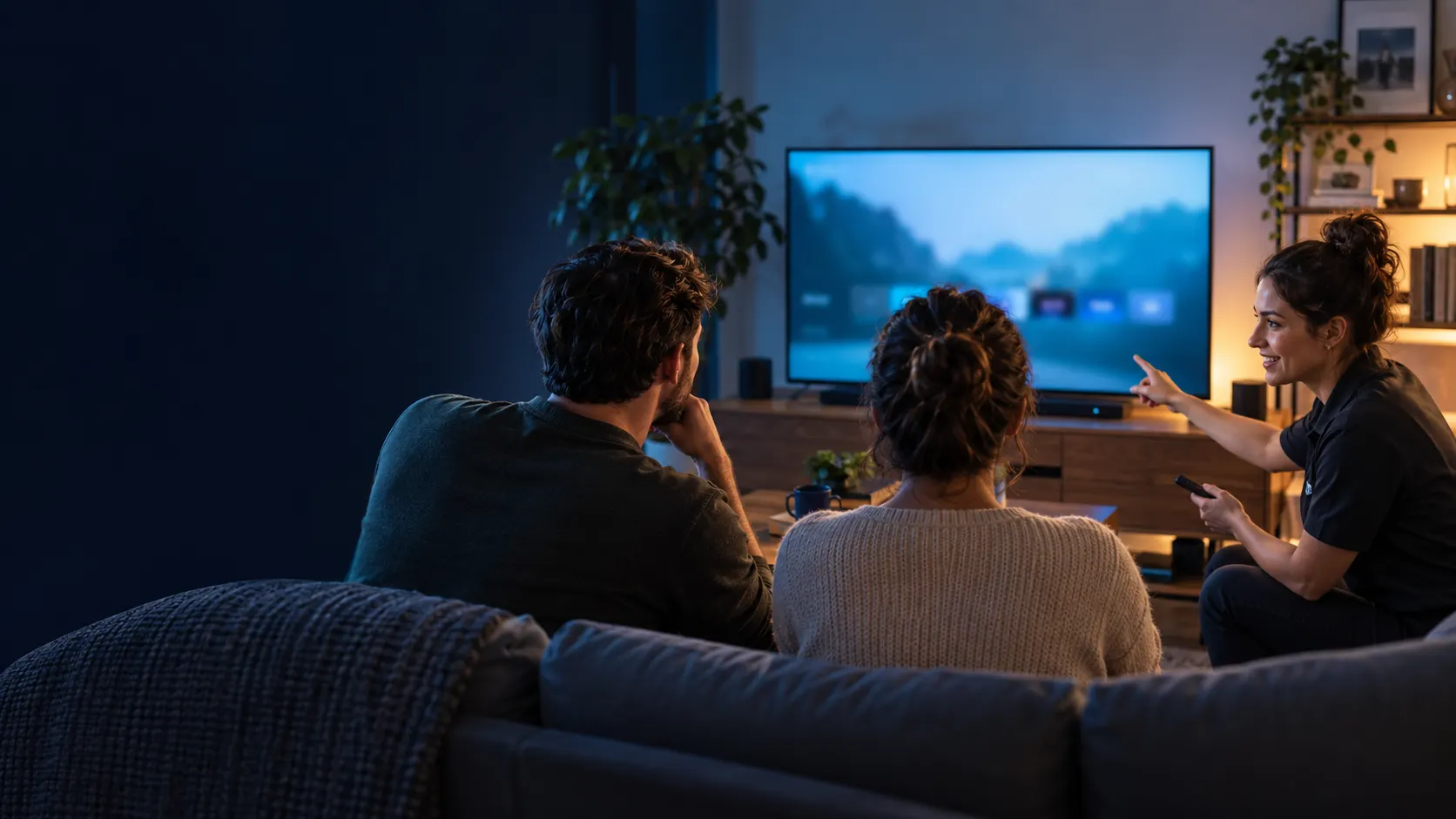
Featured image

Your Comprehensive Guide to IPTV Stream

Are you looking to set up an IPTV stream but feel overwhelmed by the process? You’re not alone. This guide is designed for older users who want clear, step-by-step instructions on how to set up and troubleshoot their IPTV stream efficiently. By the end, you will understand what an IPTV stream is, how it works, and the best ways to enjoy your favorite content.

Key Takeaways

  • IPTV streams use the internet to deliver television content.
  • Choosing the right IPTV player is crucial for a smooth experience.
  • Common troubleshooting steps can resolve most streaming issues.
  • Legal considerations for IPTV streams are essential to understand.

What is IPTV Stream?

An IPTV stream refers to the delivery of television content over the internet instead of traditional satellite or cable systems. This technology allows viewers to access a wide range of channels and on-demand content via an internet connection.

How it Works and Requirements

To enjoy an IPTV stream, you need a stable internet connection, a compatible device (like a Smart TV or streaming box), and an IPTV subscription. The IPTV service converts video signals into data packets, which are then transmitted over the internet to your device.

Choosing the Right IPTV Stream Player

Selecting the right IPTV stream player can make a significant difference in your viewing experience. Some popular options include:

  • Smart IPTV TV: A user-friendly app available on various platforms.
  • Smarters Player: Offers a customizable experience with features like parental controls.
  • Ultra XC: Specifically designed for Android devices, providing smooth playback.

Setup Steps for Your IPTV Stream

  1. Download the IPTV Player: Visit the app store or the official website of your chosen player.
  2. Install the App: Follow the on-screen instructions to install the IPTV player on your device.
  3. Enter Your Subscription Details: Open the app and input your IPTV subscription details, usually provided via email.
  4. Load Your Playlist: If using M3U or Xtream formats, load your playlist as instructed by your player.
  5. Test Your Connection: Check if channels are loading correctly. If not, double-check your internet connection and subscription details.

Comparison Table of IPTV Players

Player Platform Features User Experience
Smart IPTV TV Smart TVs, Android Easy navigation, EPG support Intuitive and user-friendly
Smarters Player Android, iOS Multiple playlists, parental controls Highly customizable
Ultra XC Android, Android TV Optimized for stability Smooth playback, minimal buffering
Neo Android, Android TV Multiple format support Flexible and easy to use

Common Mistakes and Troubleshooting

Many users encounter issues during their IPTV experience. Here are some common mistakes and quick fixes:

  • Incorrect Playlist URL: Ensure your M3U or Xtream URL is entered correctly. Double-check for typos.
  • Weak Internet Connection: Test your internet speed. A minimum of 10 Mbps is recommended for HD streaming.
  • App Compatibility Issues: Make sure your IPTV player is compatible with your device’s operating system.
  • Subscription Expiration: Check if your IPTV subscription is active and not expired.
  • Firewall Settings: Ensure that your firewall or antivirus isn’t blocking the IPTV app.

Expert Tips and Legal Safety

When using IPTV streams, it’s essential to stay informed about legal considerations. Always opt for legitimate services and adhere to local laws regarding streaming. Avoiding unauthorized streams is crucial for your online safety.

FAQs

What is an IPTV stream and how does it work?

An IPTV stream delivers television content via the internet, converting video signals into data packets for transmission to your device.

How do I set up my IPTV stream?

To set up your IPTV stream, download your chosen player, install it, enter your subscription details, load your playlist, and test your connection.

What should I do if my IPTV stream is not working?

Check for common issues like incorrect playlist URLs, weak internet connections, or expired subscriptions. Refer to the troubleshooting section for quick fixes.

Are there any legal concerns with IPTV streams?

Yes, it’s important to use legitimate services and follow local laws regarding IPTV streaming to avoid legal issues.

Which IPTV stream player is right for me?

Choosing the right player depends on your device compatibility and preferred features. Consider options like Smart IPTV TV or Smarters Player based on your needs.

This content is informational and does not promote illegal streaming or unauthorized distribution. Always follow local laws and licensing rules.

Share: