

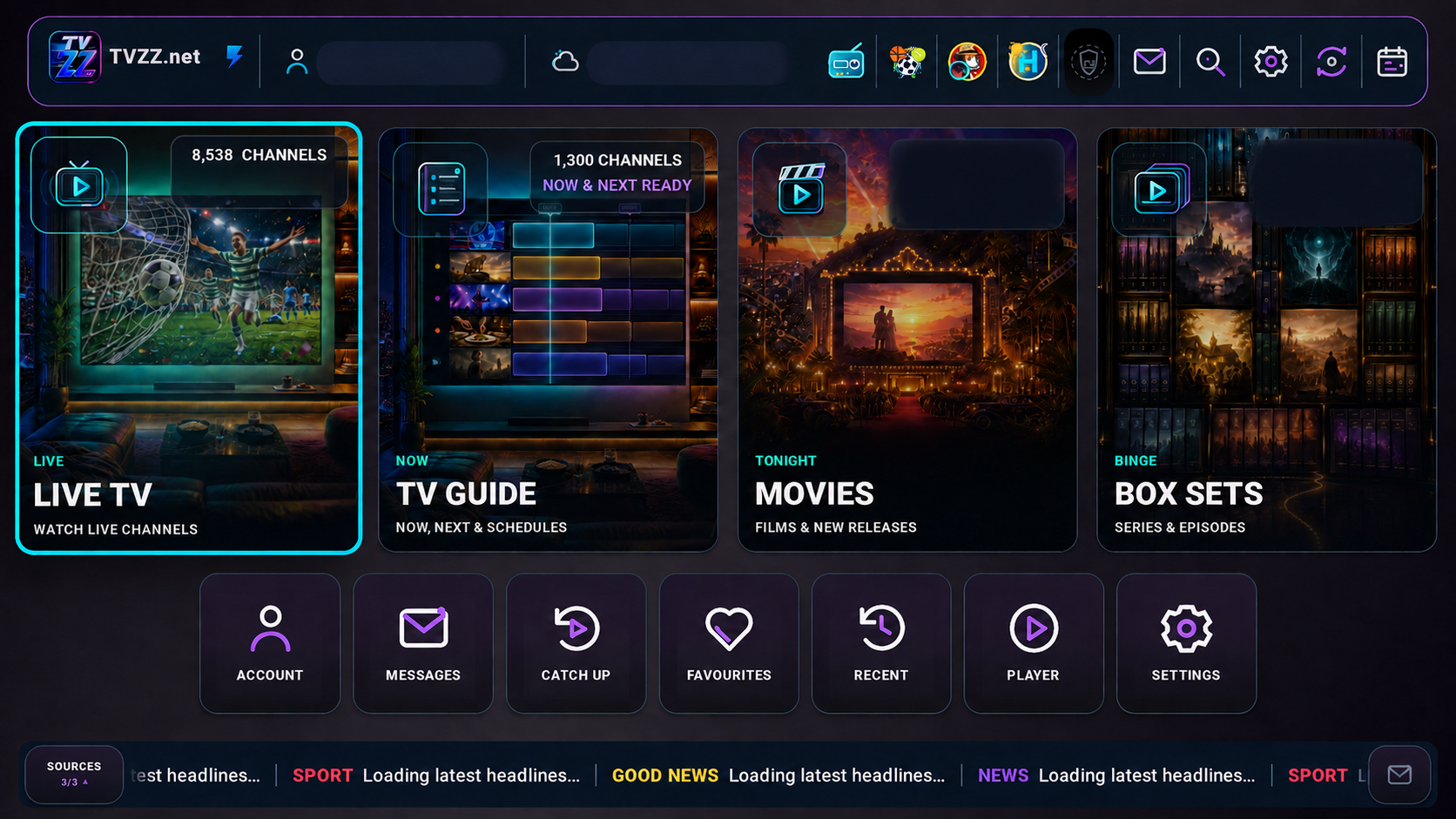
Everything together in one superapp
The MyUltra superapp brings live TV, the guide, movies, box sets, catch-up and favourites into one fast, TV-first interface.
- Android devices supported
- Fire TV supported
- Big, clear remote-control navigation
- No other device apps—for now
1. Buy your MyUltra plan
Choose the straightforward plan that matches what you watch. If you are unsure, ask our team and we will point you to the easiest option.
2. Install the superapp
Download and open the MyUltra superapp on a supported Android device or Fire TV. The large on-screen controls make setup clear and simple.
3. Enter your six-digit code
Your screen will show a six-digit activation code. Give that code to MyUltra when prompted so we can connect your service securely.
4. Start watching
That is it. Open live TV, movies, box sets or catch-up and enjoy a service refined through more than a decade in business.
Android and Fire TV only—for now
Use the on-screen download instructions on your supported Android device or Fire TV. No MyUltra superapp is currently available for any other device platform.
Want a hand choosing?
Tell us what you watch and which device you use. A real person will point you in the right direction.