
MYULTRA NETWORK GUIDE

Router settings deserve a reason.

DNS and IPv6 are advanced settings. Start with the connection and exact error before changing a working network.

Browse quick answers →
Practical stepsCheck before changingPlans + prepared boxes
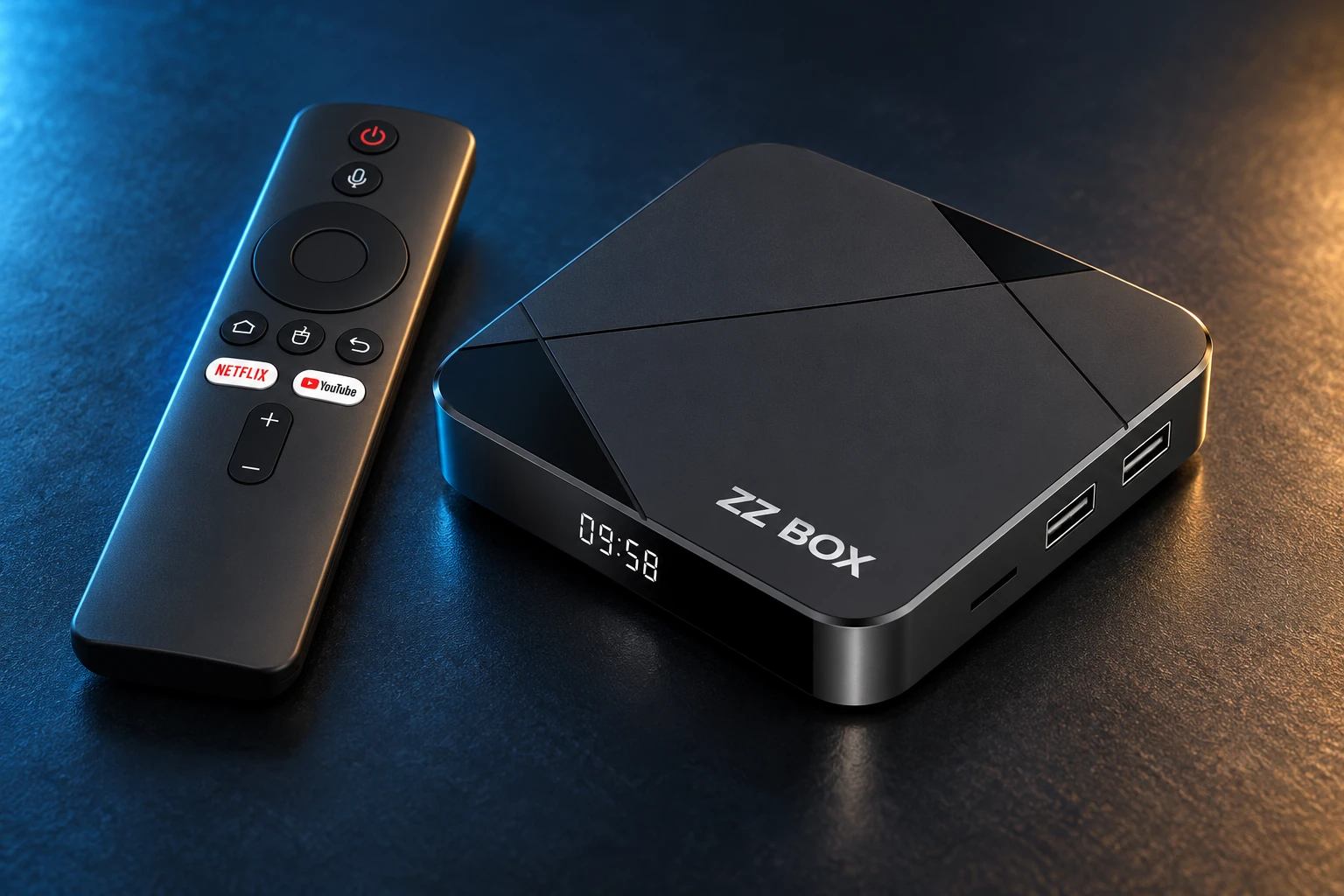
ZZ Box, the prepared MyUltra Android TV box
READY FOR YOUR NEXT STEPClear checks. Useful answers.Explore the prepared ZZ Box →
START HERE

Get to the useful part.

01 / YOUR NEXT STEP

Keep a record of your setup.

Note the router, ISP, device and original settings. Try basic playback checks before changing the network.

Playback checks→
02 / YOUR NEXT STEP

What DNS does.

DNS translates service names into network addresses. Changing DNS does not fix weak Wi-Fi and does not guarantee a restriction disappears.

YOUR DEVICE. YOUR CHOICE.Already set up, or starting fresh?

Choose a service for a compatible device, or a configured ZZ Box.

Build my package →
03 / YOUR NEXT STEP

What IPv6 does.

IPv6 is an internet addressing system. Disabling it can affect other services and is not a routine MyUltra requirement. Follow your provider’s advice for the exact connection.

04 / YOUR NEXT STEP

Change one setting when advised.

Ask support for the reason, record the original value and retest. Restore it if there is no improvement. Avoid factory resets without recovery instructions.

Get help with this step→

A REAL PERSON. A USEFUL NEXT STEP.

A different screen? We can help.

Tell us your device model, account username and exact message. Include what you have already tried so the team can pick up from there.

MAKE IT YOURS

Good viewing starts with the right setup.

Ready to get started?

Ask our team about credit card or Bitcoin payment.

LET’S GET YOU STARTED

Pay with Bitcoin

Leave your details. Our team will help complete your purchase on WhatsApp.

12:00–03:00 ICT daily · WhatsApp response within 10 minutes during these hours.

We collect contact details only. Never enter card details, wallet passwords or recovery phrases here.