
Start with the message, not a guess.
A security warning, sign-in error and spinning player point to different checks. Buffering alone does not prove an ISP block.
- Record the exact message and when it started.
- Check the menus, guide and more than one channel.
- Check another internet app on the same device.
- Note your country, ISP, device and Wi-Fi/Ethernet connection.
Check account-level filters.
Some internet accounts include security filters or parental controls. The account holder should review an explicit block using the provider’s official guidance.
- Use the official provider account portal.
- Prefer a specific allow-list exception where offered.
- Do not disable all household security as a general troubleshooting step.
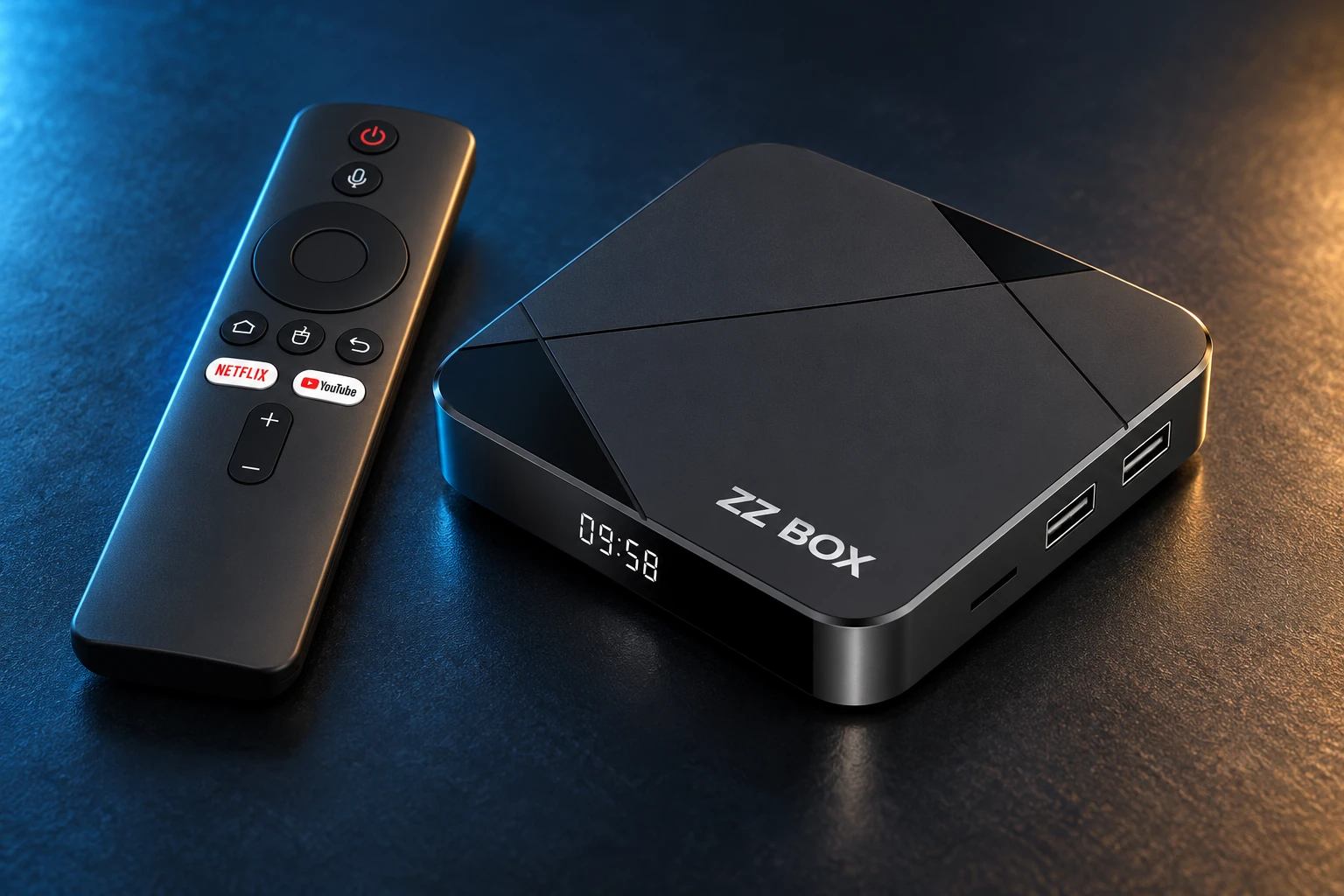
Choose a service for a compatible device, or a configured ZZ Box.
Rule out the local connection.
Compare Ethernet or move closer to the router. Pause heavy downloads and test another programme. A fast speed test does not rule out Wi-Fi interference.
- Restart the app once, then device/router if needed using manufacturer instructions.
- Restarting does not guarantee a different public IP.
- Do not factory reset or change DNS/IPv6 without a reason.
Understand the optional add-ons.
No Block, No Block Premium and No Block Pro are service options, separate from VPN protection. They do not guarantee a fix for every restriction or playback issue.
- No Block: €19.99 add-on.
- No Block Premium: €29.99 for one year; included for the first year with a new ZZ Box.
- No Block Pro: €39.99 annually.
- Choose one No Block option, not both.
- Ask the team to check your symptom before buying.
Give support a useful starting point.
Send your username, model, ISP, exact error and the checks tried. Keep passwords, codes and full playlist URLs out of screenshots.
A REAL PERSON. A USEFUL NEXT STEP.
A different screen? We can help.
Tell us your device model, account username and exact message. Include what you have already tried so the team can pick up from there.