
MYULTRA DEVICE GUIDE · COMPUTERS

Windows is coming. Check your options today.

The MyUltra Windows app is coming soon. Ask us before buying a service specifically for your computer.

Browse quick answers →
Practical stepsReal people to helpPlans + prepared boxes
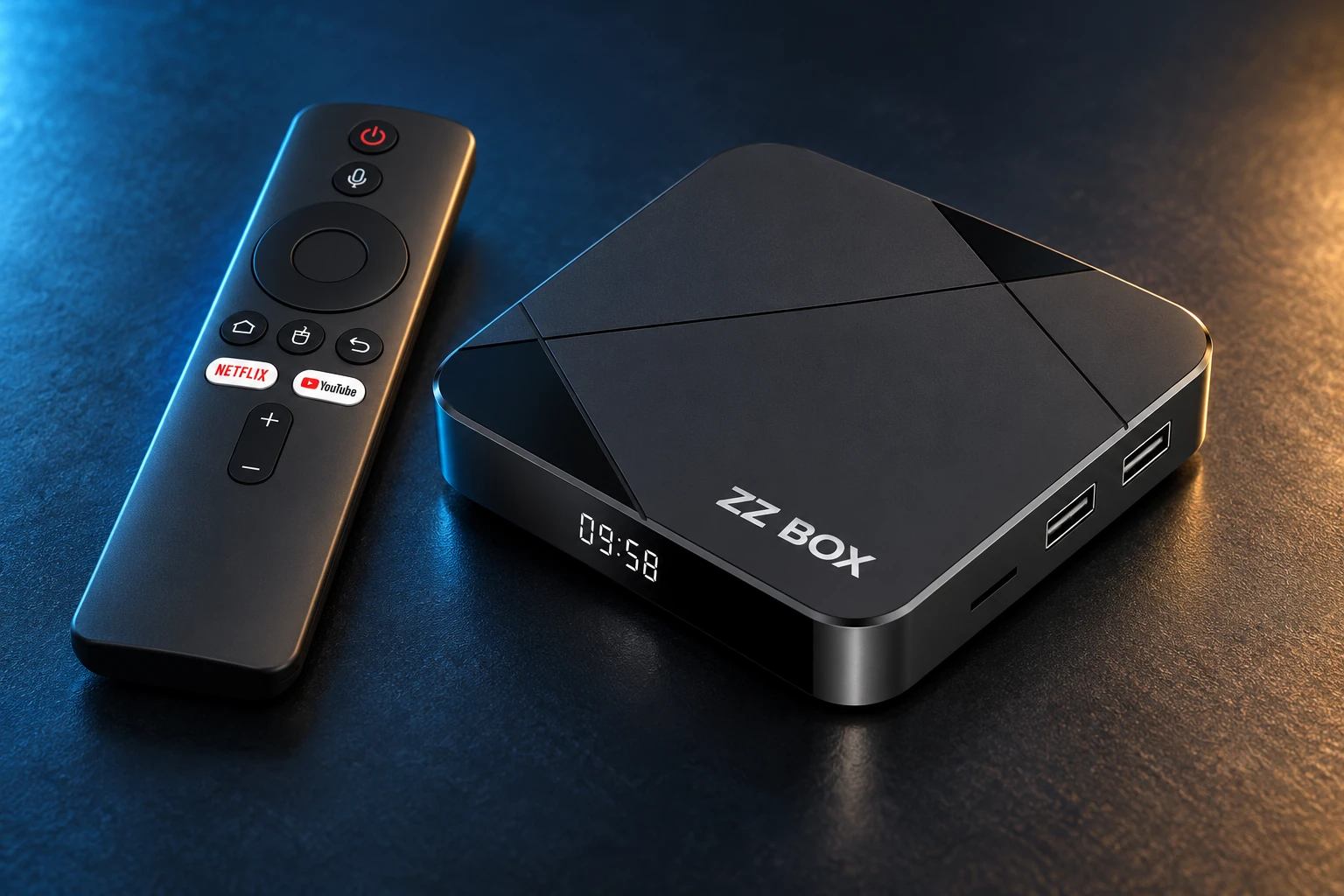
ZZ Box, the prepared MyUltra Android TV box
READY FOR YOUR NEXT STEPYour setup, made simpler.Explore the prepared ZZ Box →
START HERE

Get to the useful part.

01 / YOUR NEXT STEP

Windows app: coming soon.

No Windows download is offered here. An Android APK is not a native Windows installer. We will publish an approved installation route when available.

02 / YOUR NEXT STEP

Using a Mac?

Confirm your Mac model and intended player with MyUltra before ordering. Do not assume an Android app or emulator is supported.

YOUR DEVICE. YOUR CHOICE.Already set up, or starting fresh?

Choose a service for a compatible device, or a configured ZZ Box.

Build my package →
03 / YOUR NEXT STEP

Want TV viewing today?

Use a confirmed compatible Android device or choose a prepared ZZ Box.

See ZZ Box→Check my device→

A REAL PERSON. A USEFUL NEXT STEP.

A different screen? We can help.

Tell us your device model, account username and exact message. Include what you have already tried so the team can pick up from there.

MAKE IT YOURS

Good viewing starts with the right setup.

Ready to get started?

Ask our team about credit card or Bitcoin payment.

LET’S GET YOU STARTED

Pay with Bitcoin

Leave your details. Our team will help complete your purchase on WhatsApp.

12:00–03:00 ICT daily · WhatsApp response within 10 minutes during these hours.

We collect contact details only. Never enter card details, wallet passwords or recovery phrases here.