
MYULTRA PRACTICAL GUIDE

Playlist setup: check before you paste.

Confirm your account and player support with MyUltra before entering playlist details.

Browse quick answers →
Practical stepsReal people to helpPlans + prepared boxes
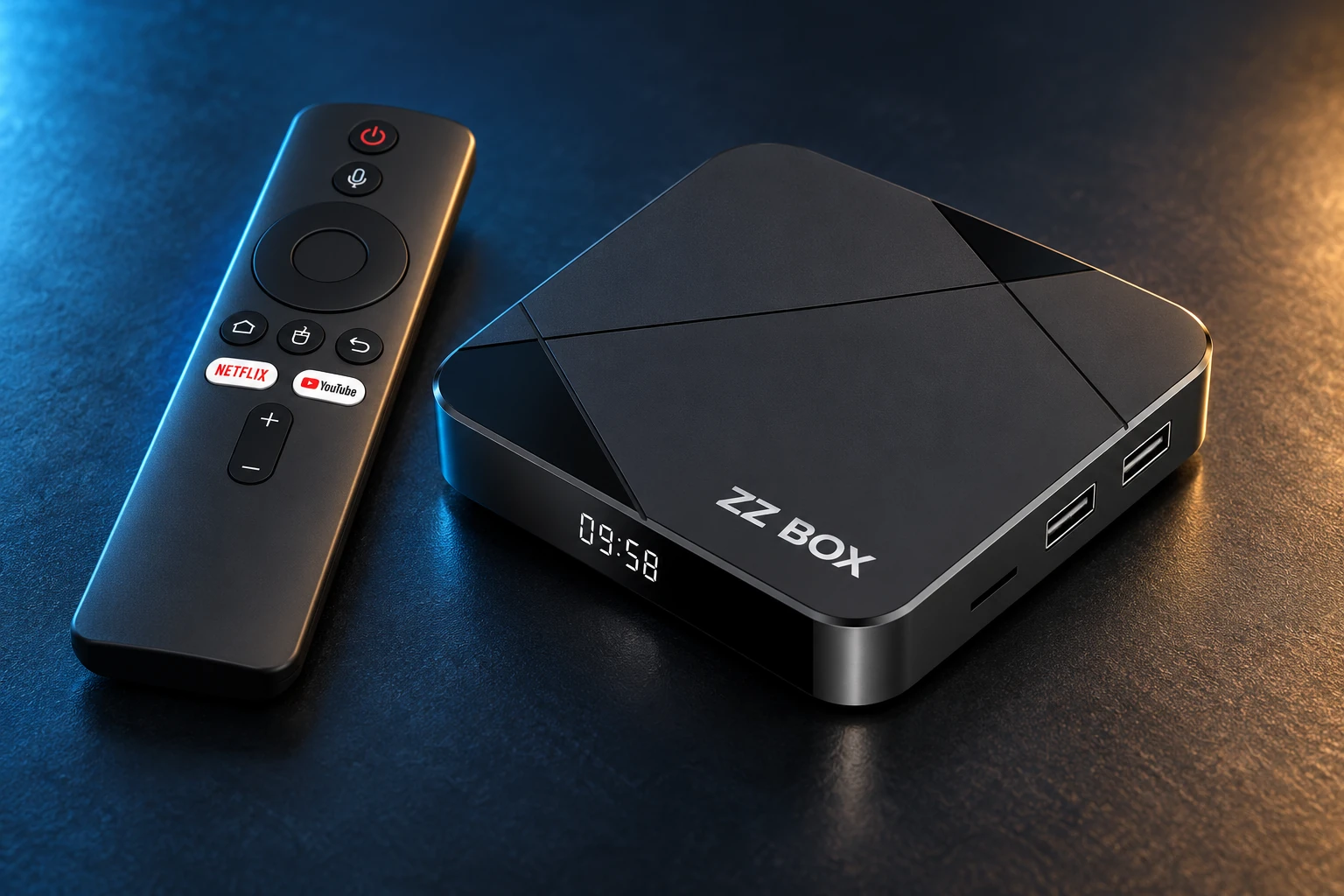
ZZ Box, the prepared MyUltra Android TV box
READY FOR YOUR NEXT STEPYour setup, made simpler.Explore the prepared ZZ Box →
START HERE

Get to the useful part.

01 / YOUR NEXT STEP

Start with the MyUltra superapp

The current supported app route is Android and Fire TV. You do not need to guess playlist settings to follow the superapp activation flow.

Use the superapp guide→
02 / YOUR NEXT STEP

Already have playlist details?

Ask support to check your player and account before changing a working setup. A playlist URL can contain account credentials: keep it private and never paste it into a public group.

YOUR DEVICE. YOUR CHOICE.Already set up, or starting fresh?

Choose a service for a compatible device, or a configured ZZ Box.

Build my package →
03 / YOUR NEXT STEP

Get the right instructions

Give the team your device model, player name and the exact error. Do not send your password or full credential-bearing playlist URL.

Check my setup with support→

A REAL PERSON. A USEFUL NEXT STEP.

A different screen? We can help.

Tell us your device model, account username and exact message. Include what you have already tried so the team can pick up from there.

MAKE IT YOURS

Good viewing starts with the right setup.

Ready to get started?

Ask our team about credit card or Bitcoin payment.

LET’S GET YOU STARTED

Pay with Bitcoin

Leave your details. Our team will help complete your purchase on WhatsApp.

12:00–03:00 ICT daily · WhatsApp response within 10 minutes during these hours.

We collect contact details only. Never enter card details, wallet passwords or recovery phrases here.